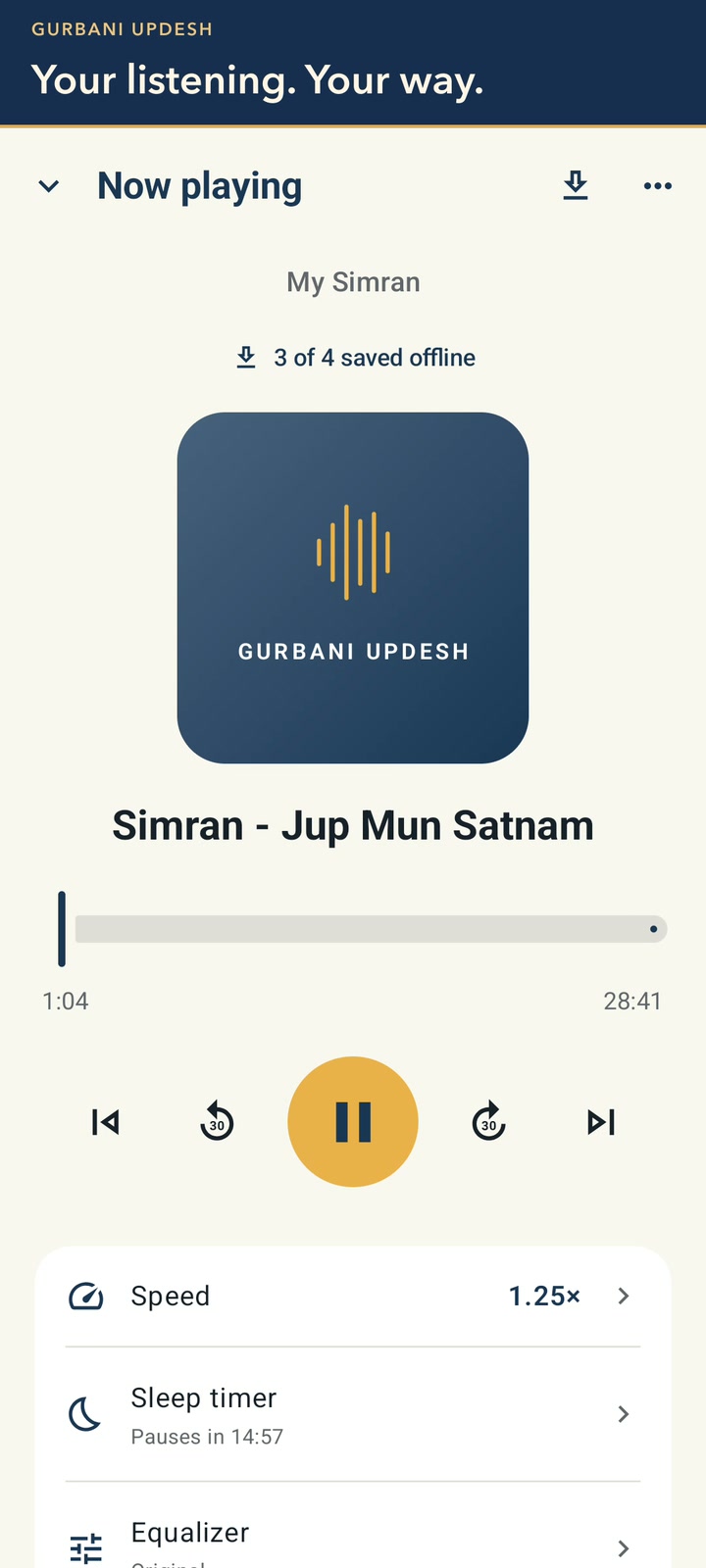
Coming soon to Android and iPhone. This silent tutorial shows the actual Android app with pointer clicks: browse Explore, create My Simran and open its player, choose a speed saved for that playlist, set a sleep timer, rearrange and remove tracks, return to My Playlists, rename it Daily Simran, and add another recording.